Add Money to MyKey+
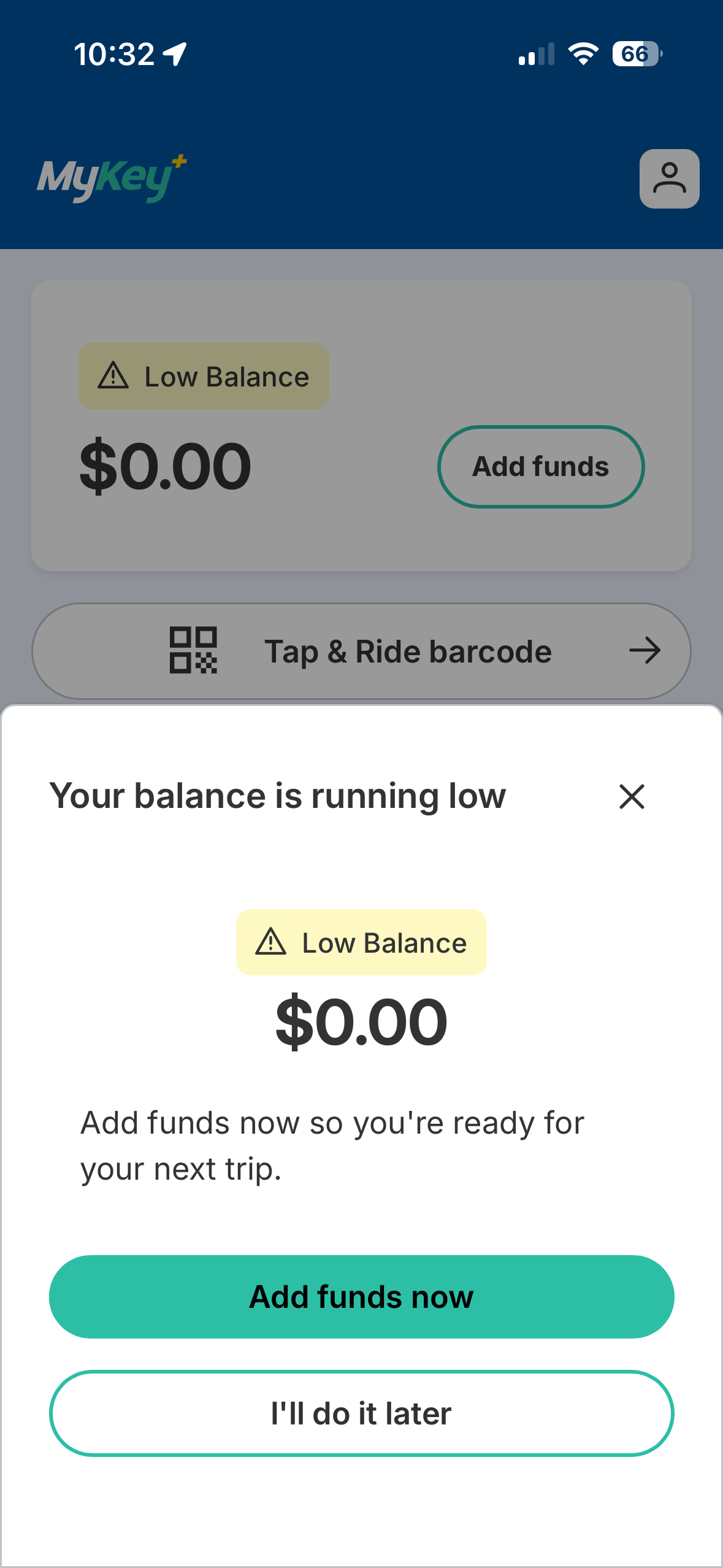
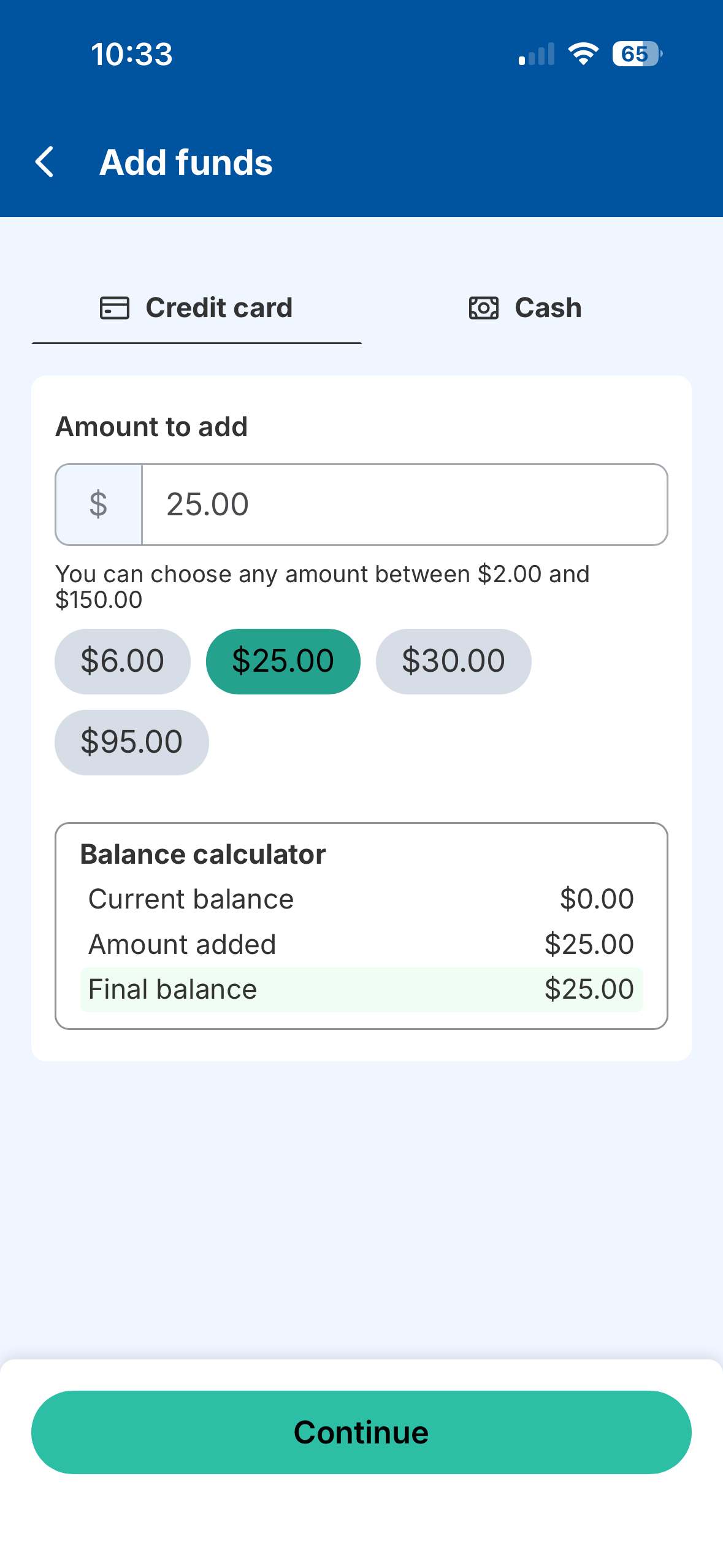
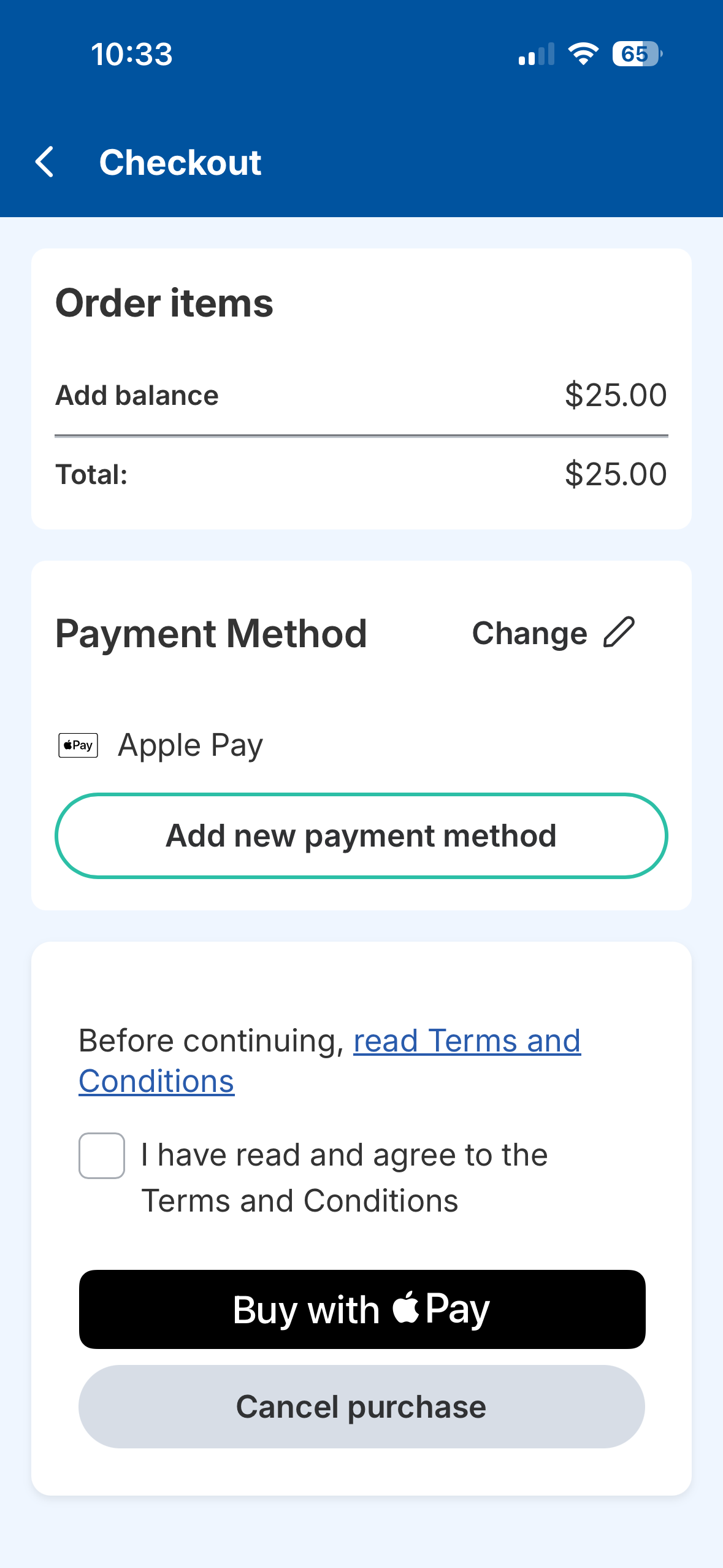
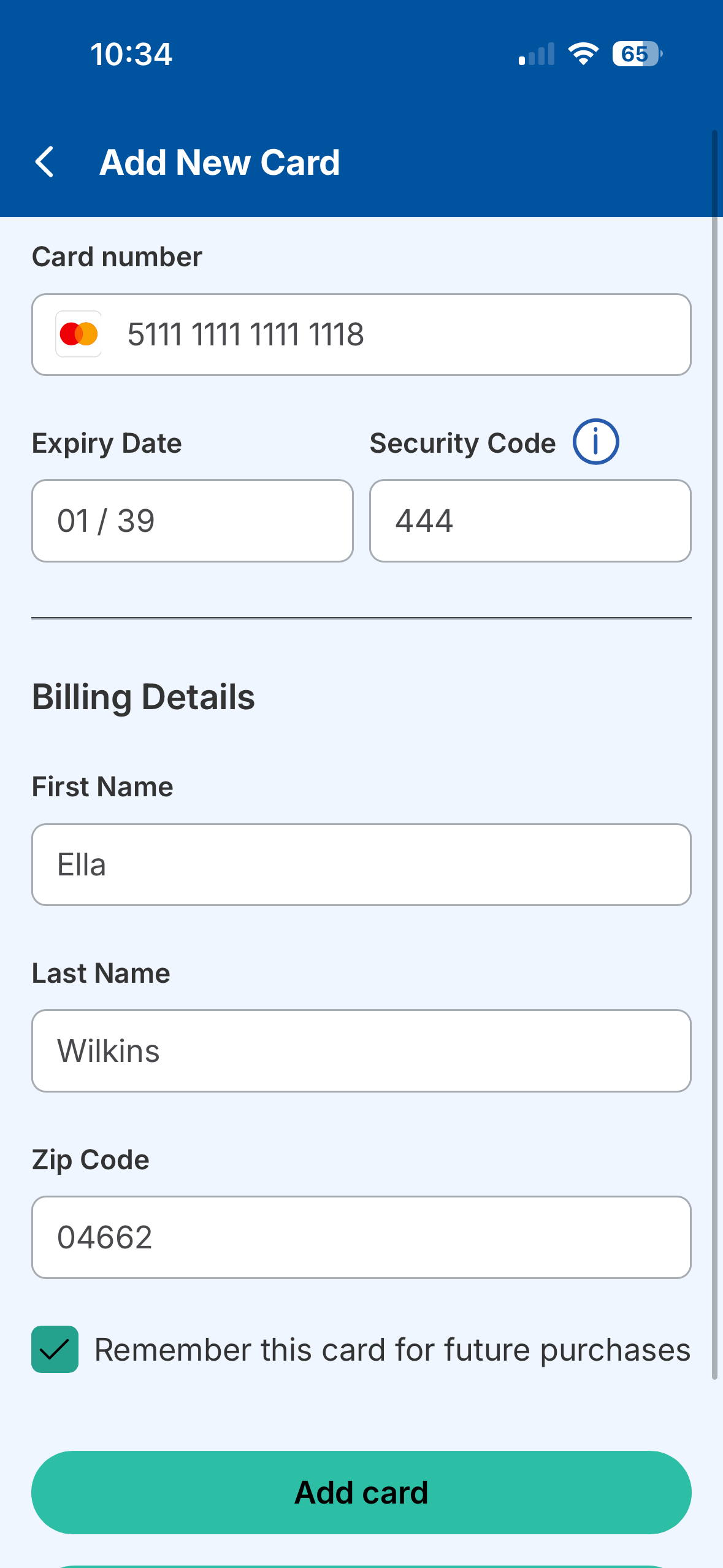
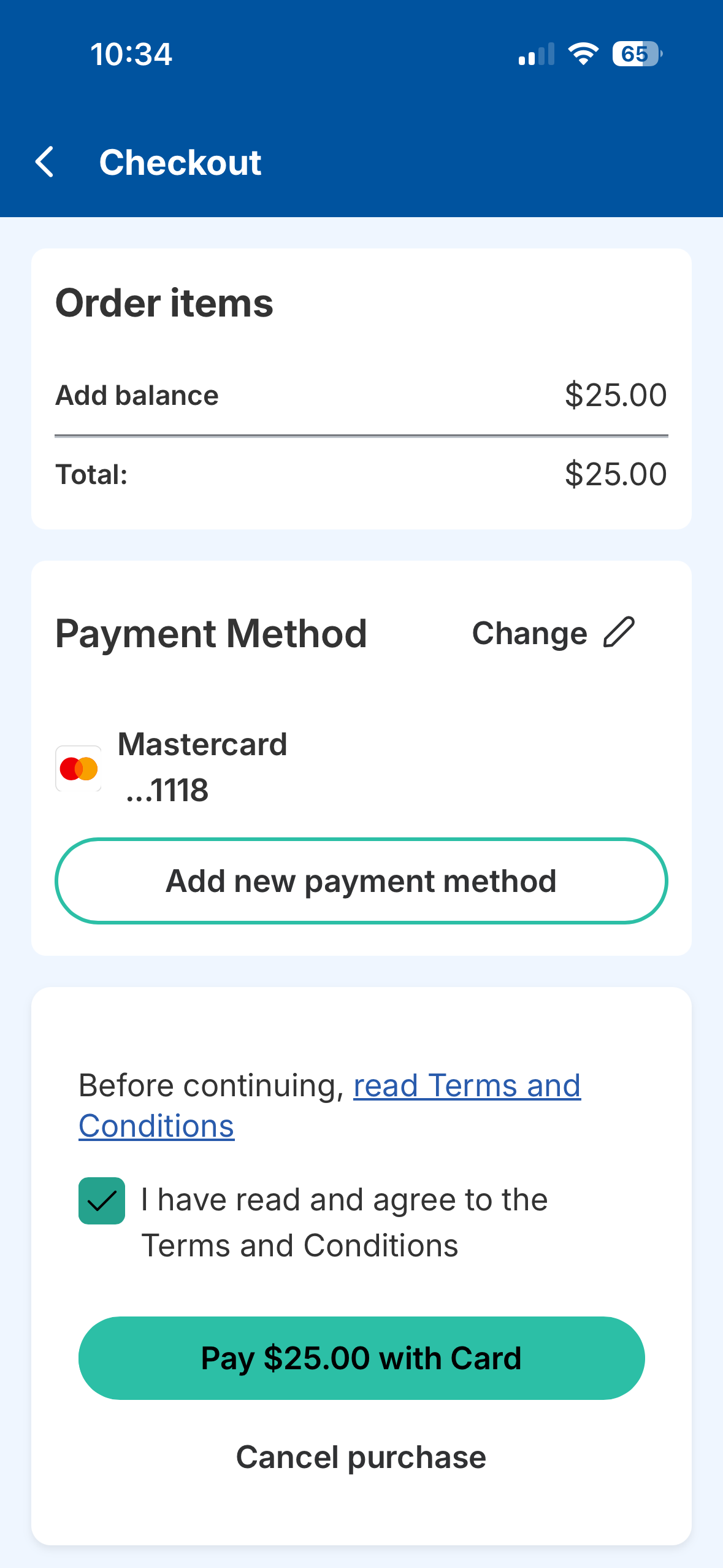
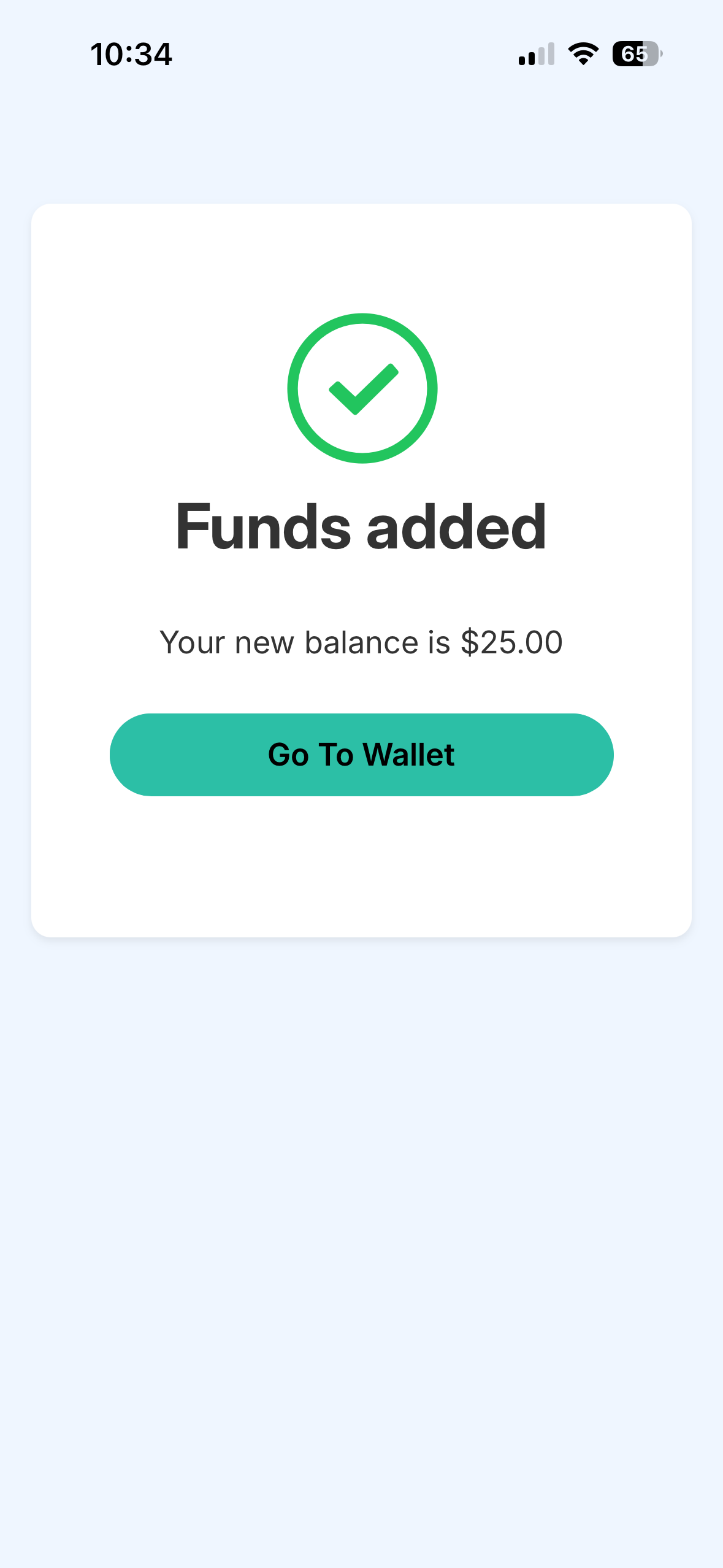
Riders have multiple ways to add funds to their MyKey+ accounts: MyKey+ app, MyKey+ web portal, Care Center Desk at the Julia M. Carson Transit Center (CTC), Customer Care Center or the retail network.



Riders have multiple ways to add funds to their MyKey+ accounts: MyKey+ app, MyKey+ web portal, Care Center Desk at the Julia M. Carson Transit Center (CTC), Customer Care Center or the retail network.


Riders can reload their MyKey+ cards at a local third-party retailer using cash or their credit/debit card. Simply hand your MyKey+ card to the retailer to scan the bar code on the back and tell them how much money you want to add to your account.
You may also open your MyKey+ app, tap Cash, provide the barcode in the app to the store clerk and tell them how much money to add to your account. Find participating retailers here.

Riders can visit the Care Center Desk at the CTC to add money to their accounts using cash or their credit/debit cards, or call the Customer Care Center at 317-635-3344 to add money using their credit/debit cards.