

MyKey Plus

Riding with MyKey+

Riders can use MyKey+ on all buses starting July 1. Our fixed-route buses have one validator at the front of the bus and our Bus Rapid Transit buses have three validators at each of the three bus entrances.

How to Purchase Passes

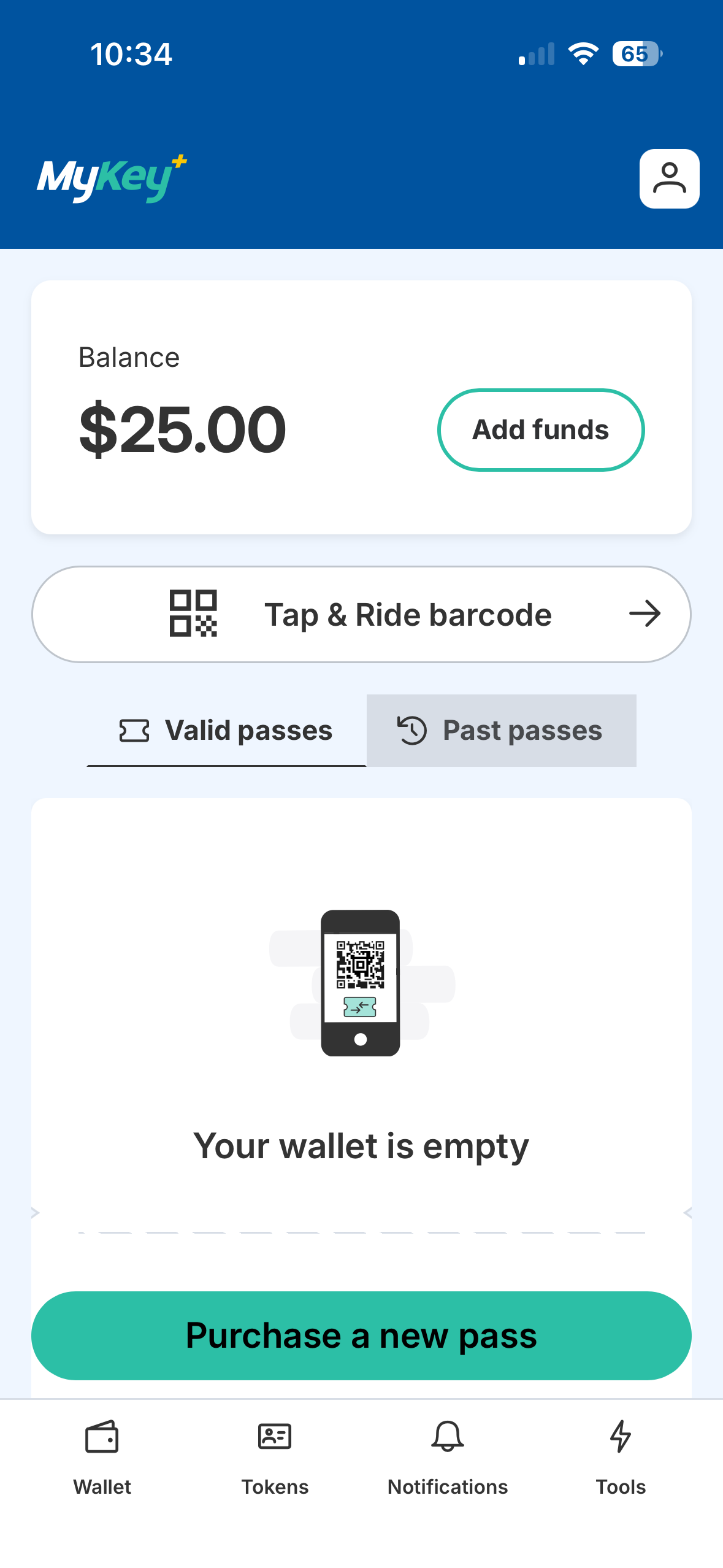
  1. Click “Purchase a new pass” on the Home Screen.
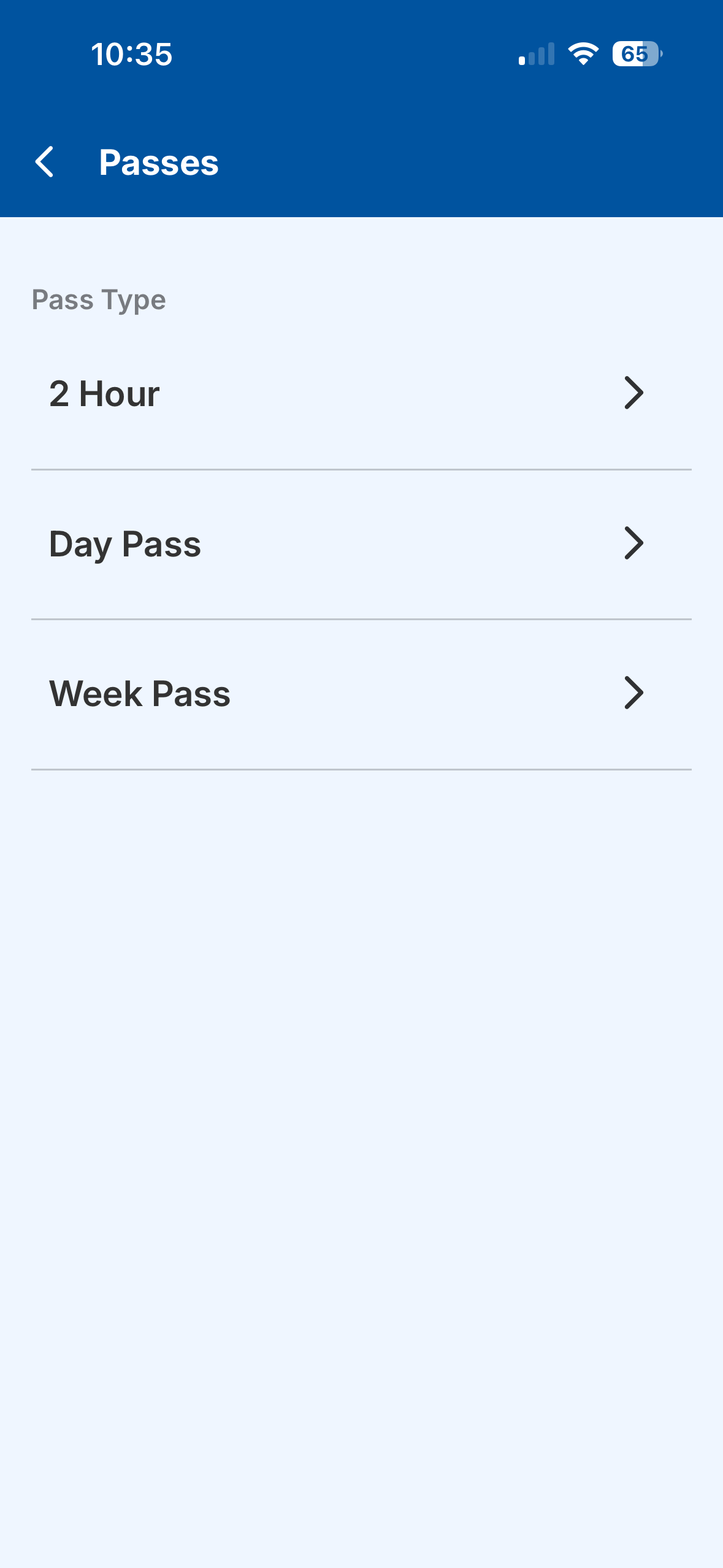
  2. Select your pass type.
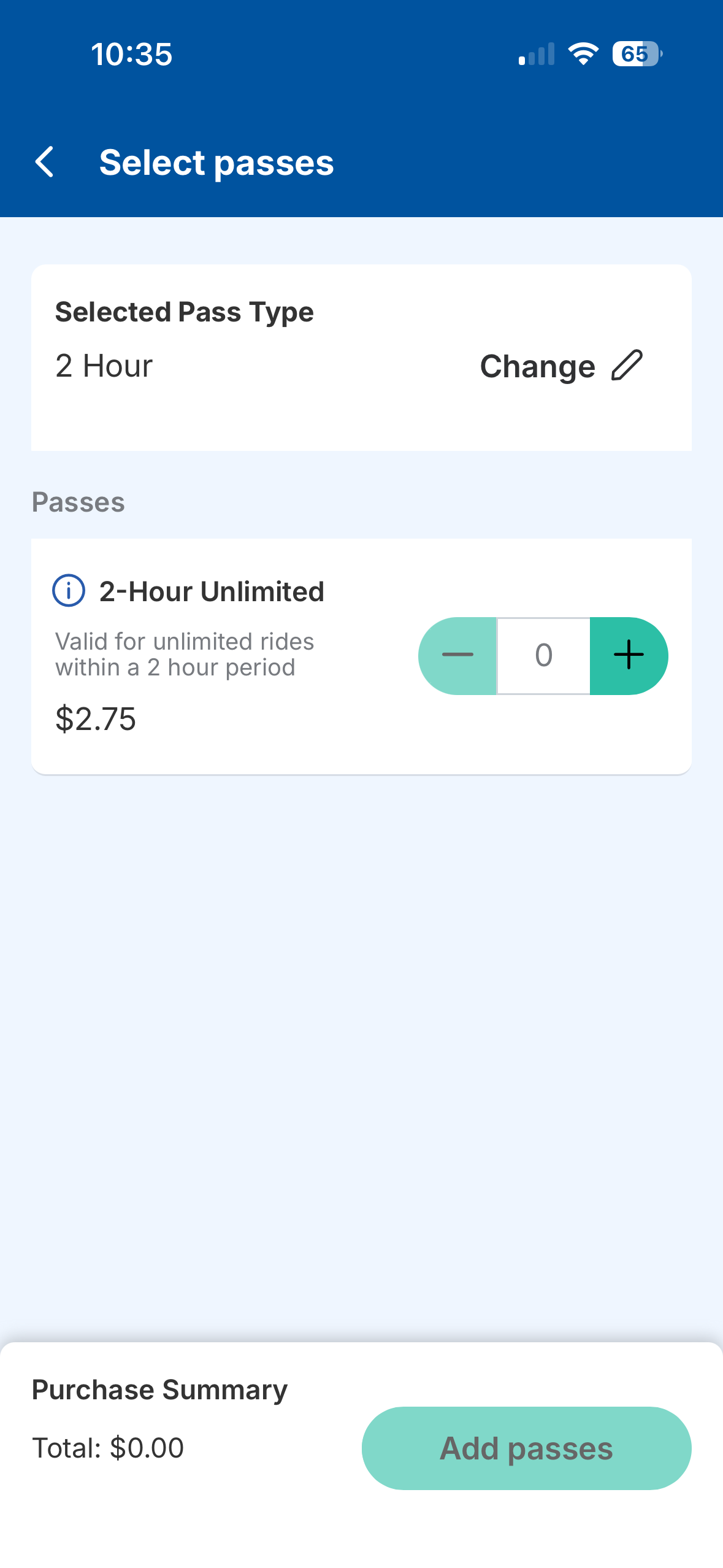
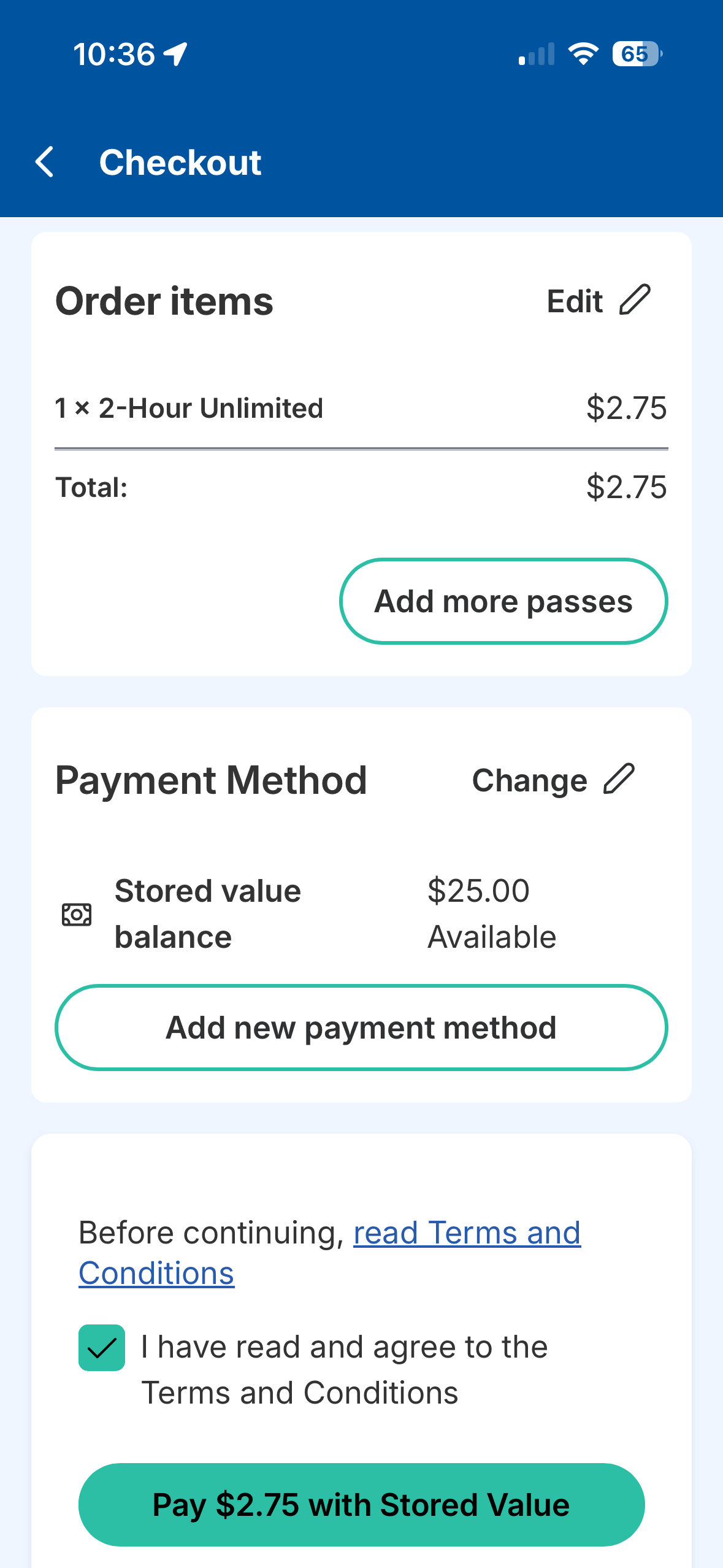
  3. Change or add multiple passes at a time.
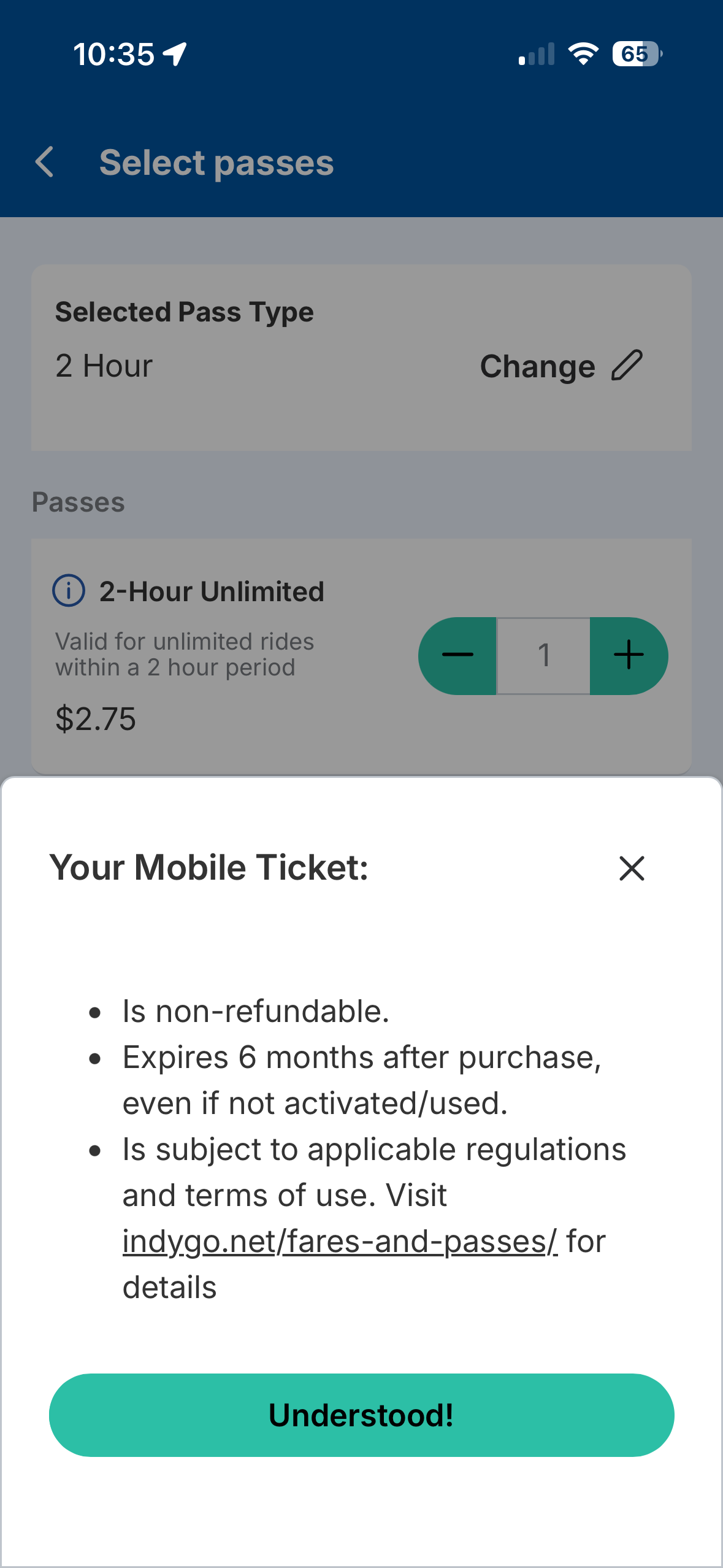
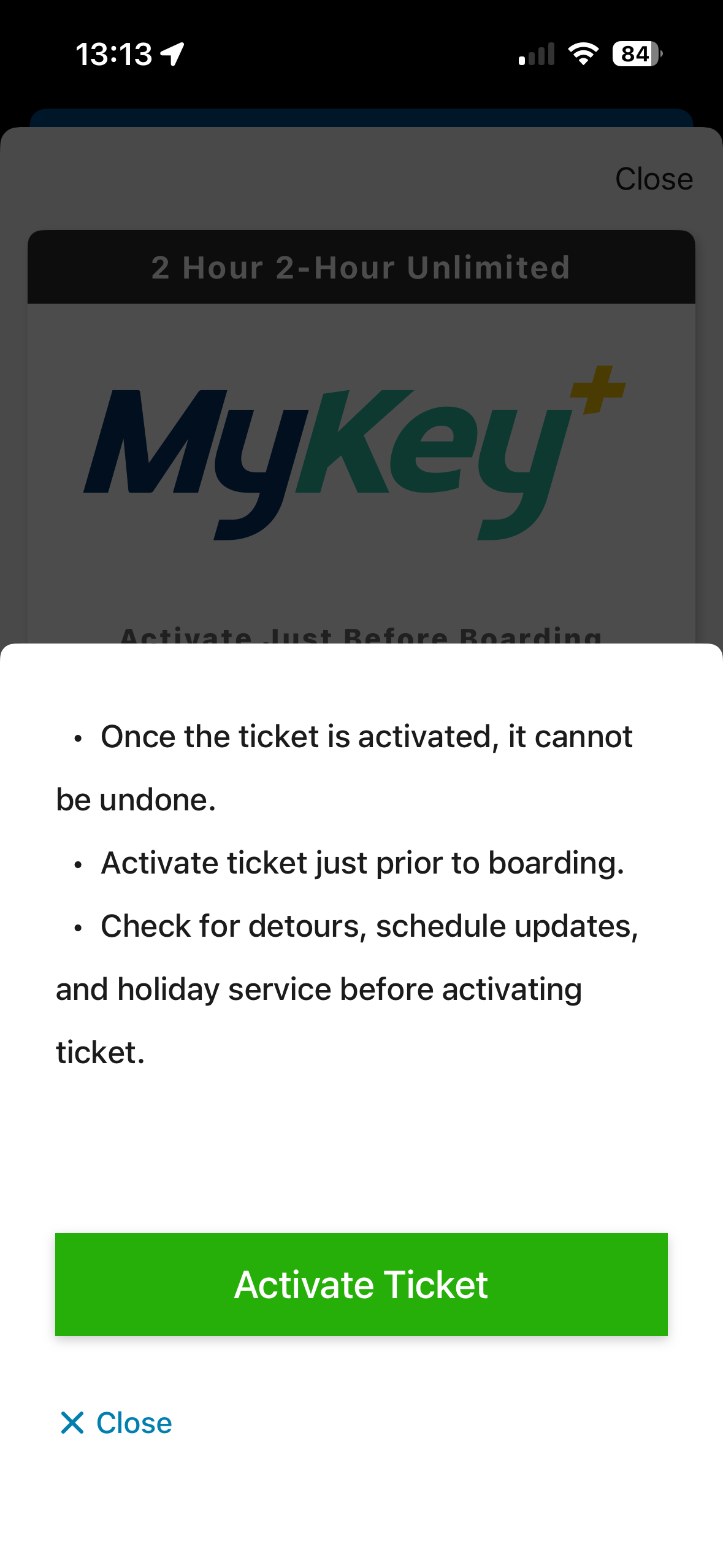
  4. Confirm you understand the information about your mobile ticket (QR code).
  5. Accept Terms and Conditions and checkout to confirm your pass(es) purchase.
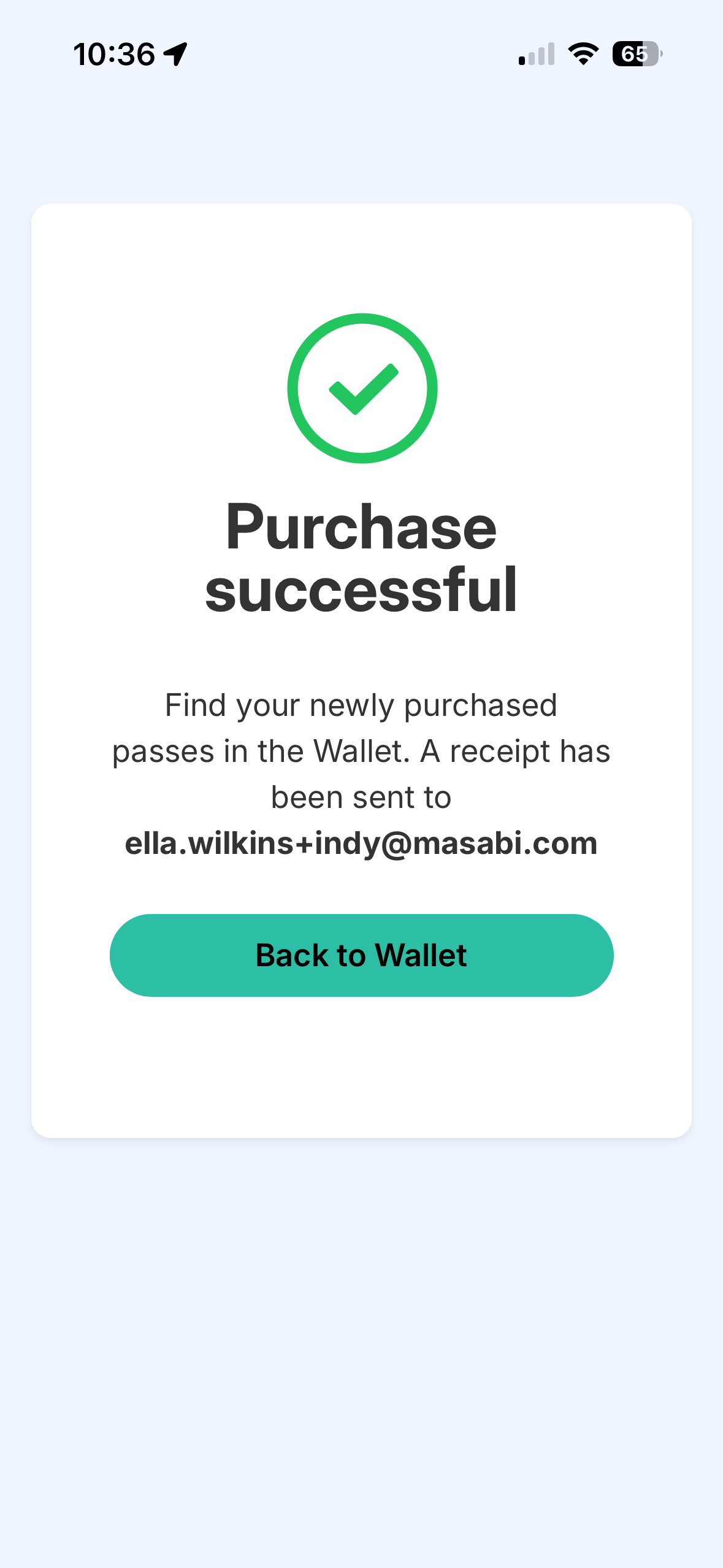
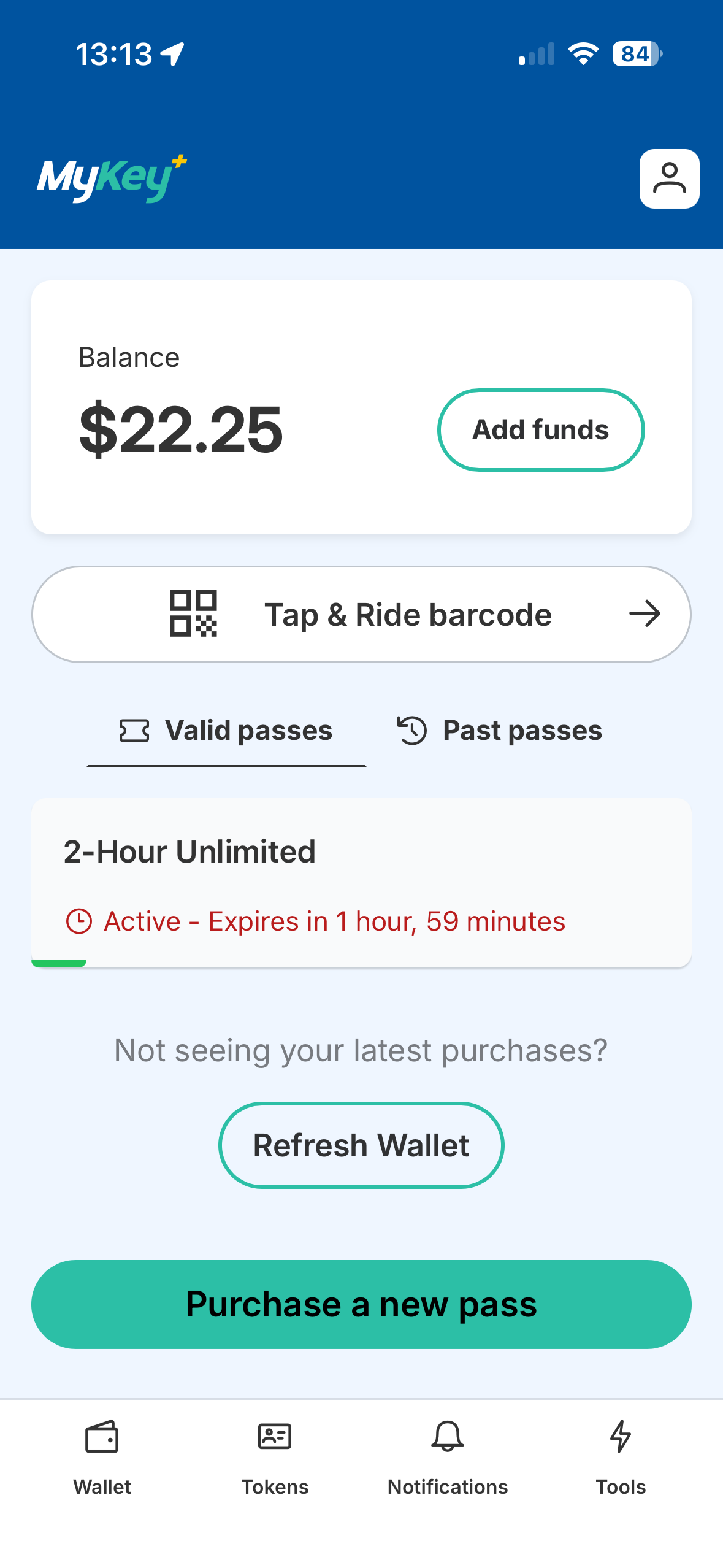
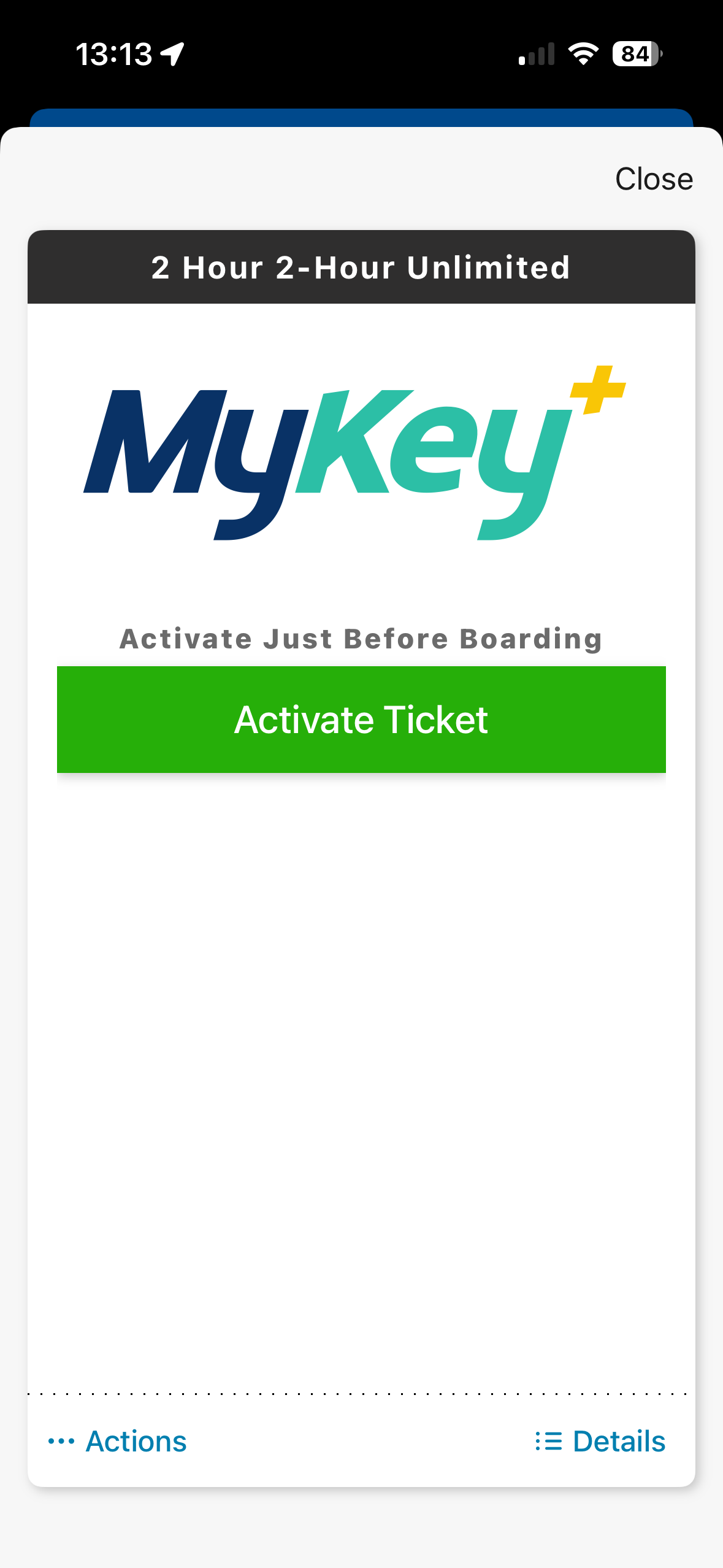
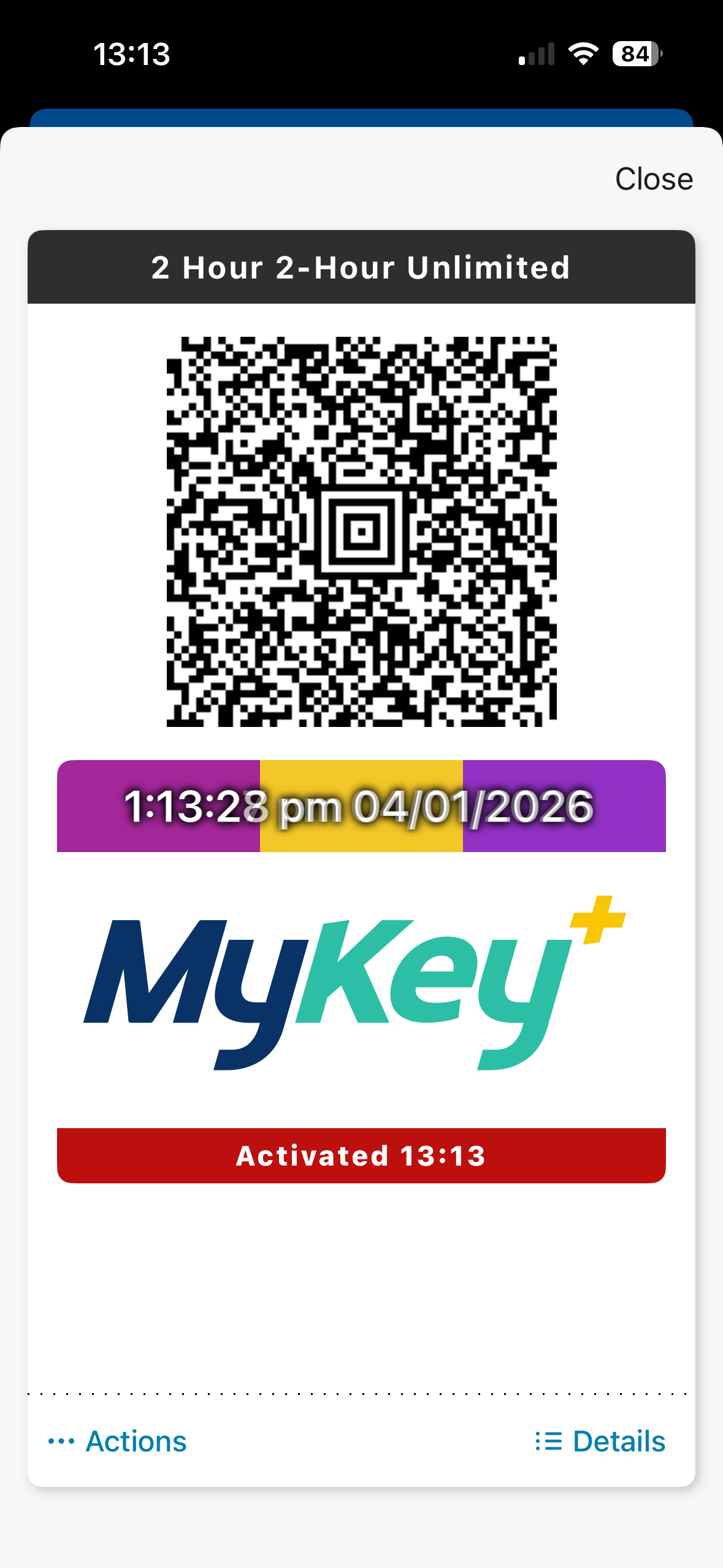
  6. You’ll receive a “Purchase successful” confirmation and email receipt from Masabi and EZfare. You can find your newly purchased passes in the wallet and active passes on the home screen. You can also view your pass’s activation countdown.

How to Use the QR Code in the MyKey+ App

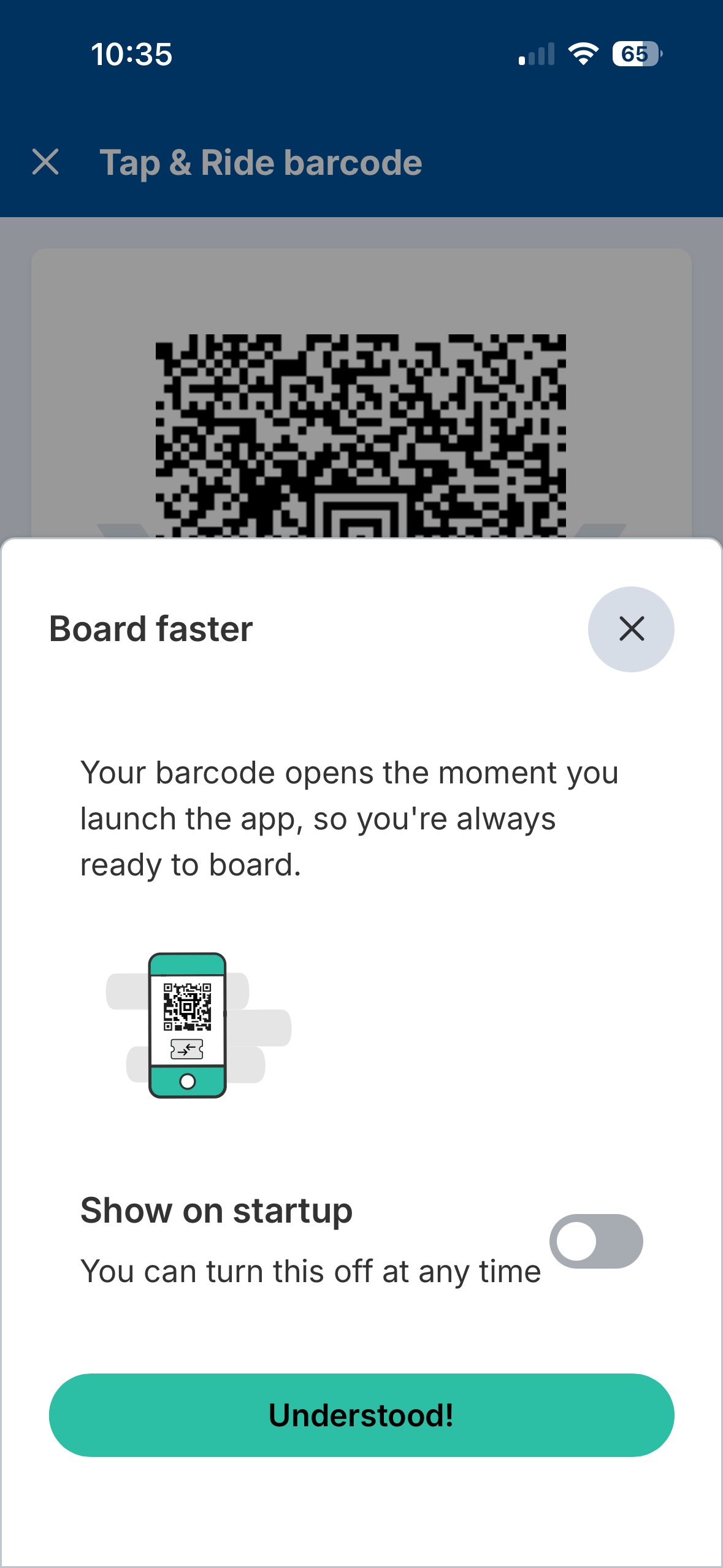
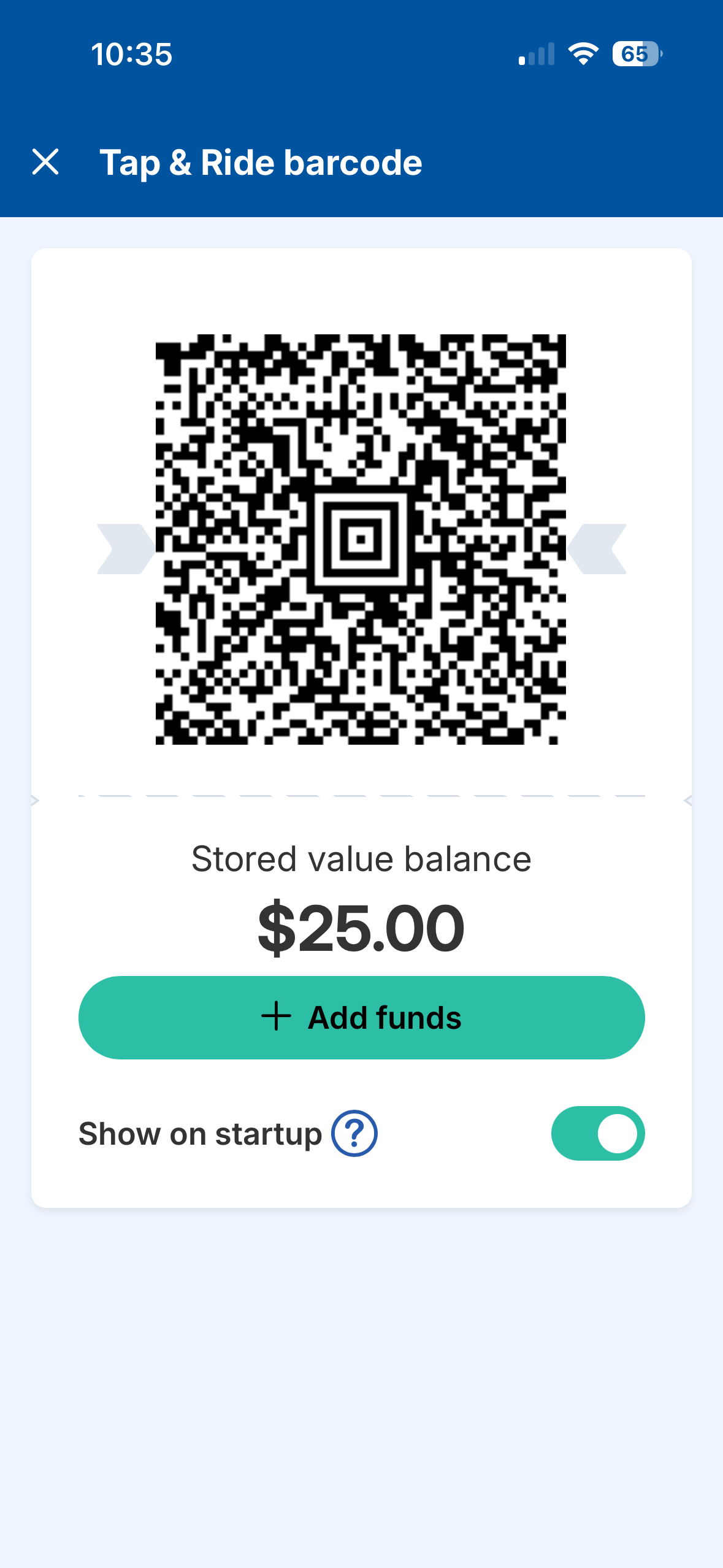
  1. Click “Tap & Ride barcode” on the Home Screen to use.
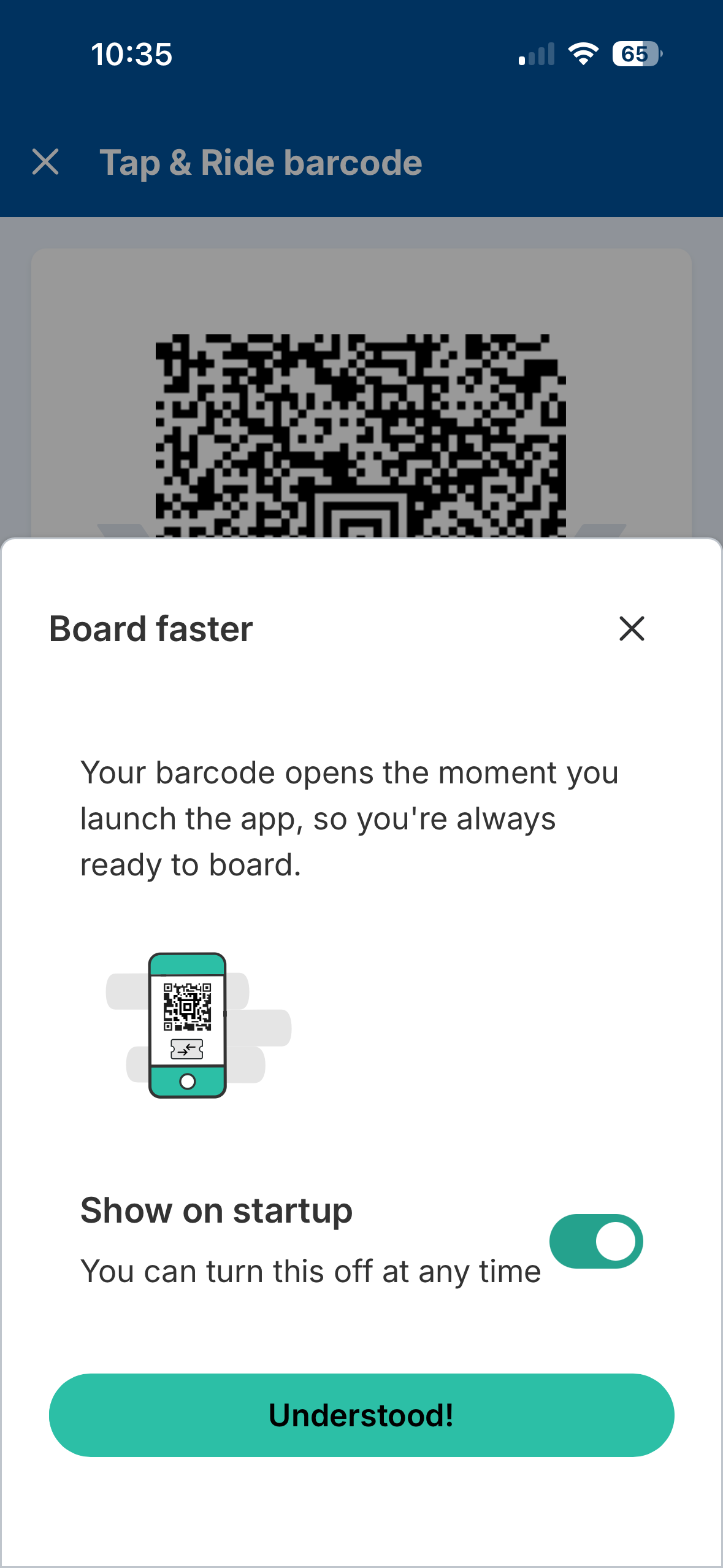
  2. Your QR code opens the moment you launch the app, so you’re always ready to board (You can change this feature in your MyKey+ app settings).

How to Manage Linked Members (Multiple Users) in a Personal Account in the MyKey+ App

Whether traveling with friends or managing transit access for family members, the app allows account holders to purchase and manage passes for multiple riders from a single account.

Group Visits

Traveling with a group? One account can manage passes for multiple riders, making it easier for visitors, coworkers and friends to ride together.

Example:

  • Purchase multiple passes within one account
  • Manage all riders directly in the app
  • Access passes from the wallet in the MyKey+ app

Activate and present passes when boarding.

Family Accounts

Families can manage transit access for children and dependents by naming them as Linked Members and share pass management.

Example: Children Using Their Own MyKey+ Cards

  • The primary account holder can add and manage young riders from the account while each child uses an individual MyKey+ card. Passes and rider information can still be managed within the same account experience. Each MyKey+ card would be linked as individual tokens on one account.
  • Youth ages 6 to 18 with a valid K-12 student ID ride at a reduced fare. To ensure your child receives this reduced fare, visit the Care Center Desk. If you do not visit the Care Center Desk to confirm your child’s reduced fare, the QR code linked to your child will charge full fare to your account.

The MyKey+ app will support managing multiple rider passes for children within a single mobile wallet experience, similar to holding multiple event tickets. This follows the same process used to add and manage passes for group travelers within one account.

Reduced Fare Rider

IndyGo offers reduced fare pricing to the following individuals with qualifying proof of eligibility:

  • Persons 65 and older with a Government Issued Medicare Card (half fare).
  • Persons with disabilities (half fare).
  • Youth 18 and younger with a valid K – 12 Student ID (half fare).
  • Student-sponsored rides (free fare)
  • Children under 5 (free fare)
  • Veterans (free fare)
  • Government employees (reduced fare)
  • IndyGo Foundation nonprofit partners (reduced fare)
  • IndyGo employees and dependents (free fare)
  • IndyGo retirees (free fare)

IndyGo Access customers (half fare) – For more information and to see if you’re eligible, visit the IndyGo Access webpage.

To see if you are eligible, visit the Care Center Desk or call 317-635-3344.

Veteran Rider

IndyGo offers free fixed route and rapid transit rides to Veterans with an IndyGo-issued Reduced Fare Veterans Card.

For more information and instructions on obtaining and using an IndyGo-issued Veterans Pass, visit our Fares and Passes webpage here or call 317-635-3344.

To complete your eligibility process, you must visit the Care Center Desk in person to complete the required steps in the application process.