Accessing MyKey+
Accessing MyKey+ is easy. All you need is a valid email address or a smartphone to open a MyKey+ account starting July 1. If you don’t have either of those things, there are other options for using MyKey+.



Accessing MyKey+ is easy. All you need is a valid email address or a smartphone to open a MyKey+ account starting July 1. If you don’t have either of those things, there are other options for using MyKey+.
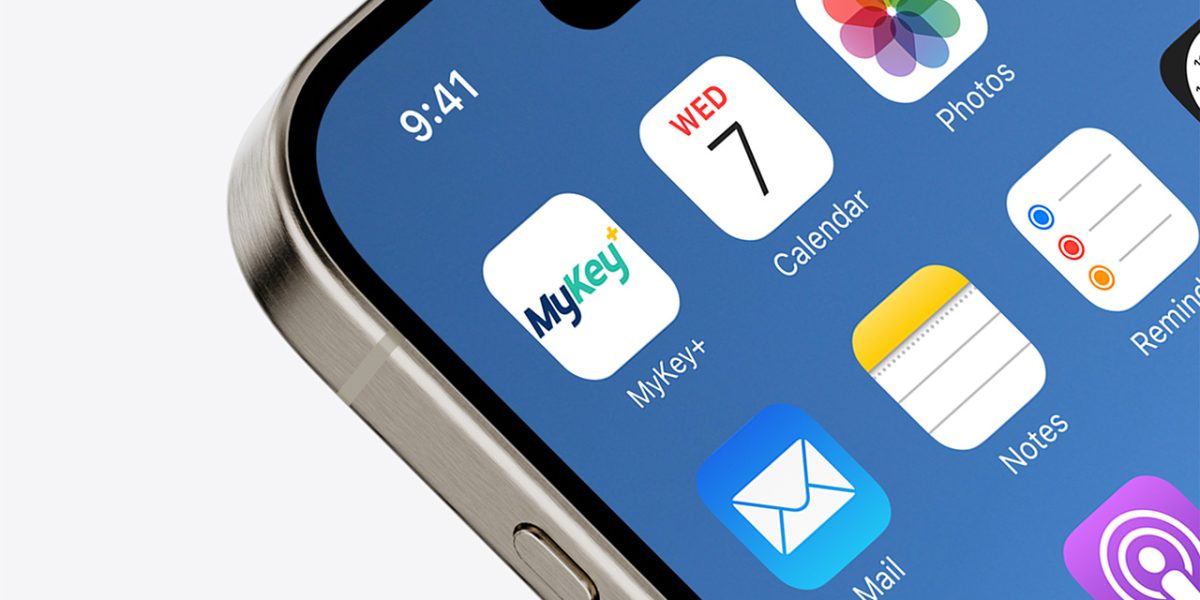
Starting July 1, you can download the MyKey+ mobile app from the Apple App Store or Google Play store, create an account and add funds to your account. Then, just scan the QR code in the app at a MyKey+ validator, and the cost of your ride will be deducted from your account.
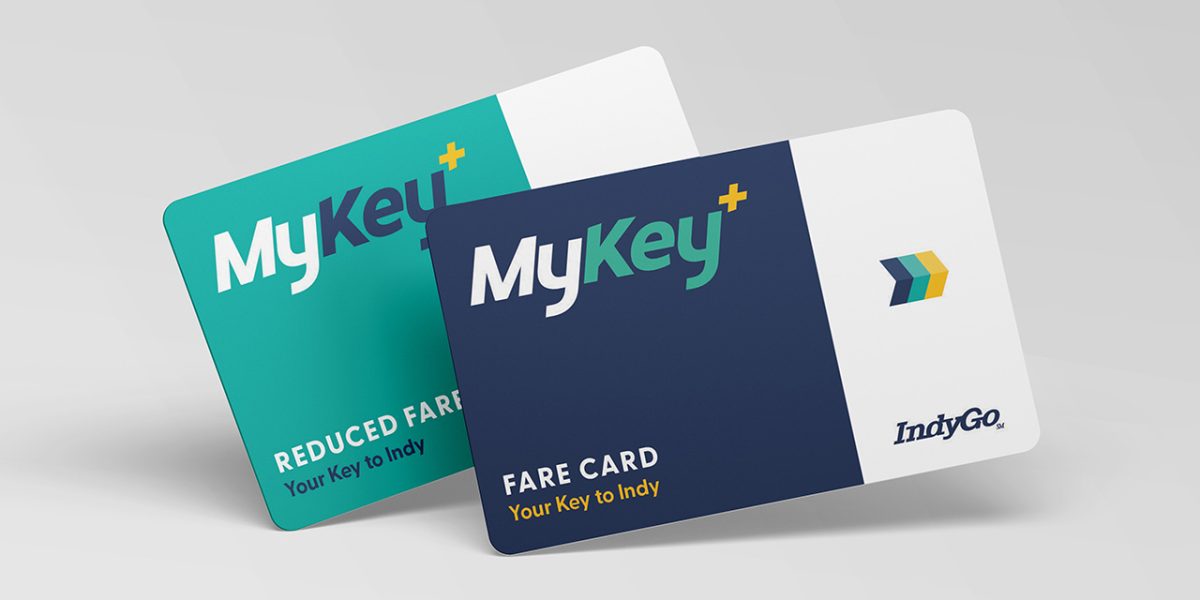
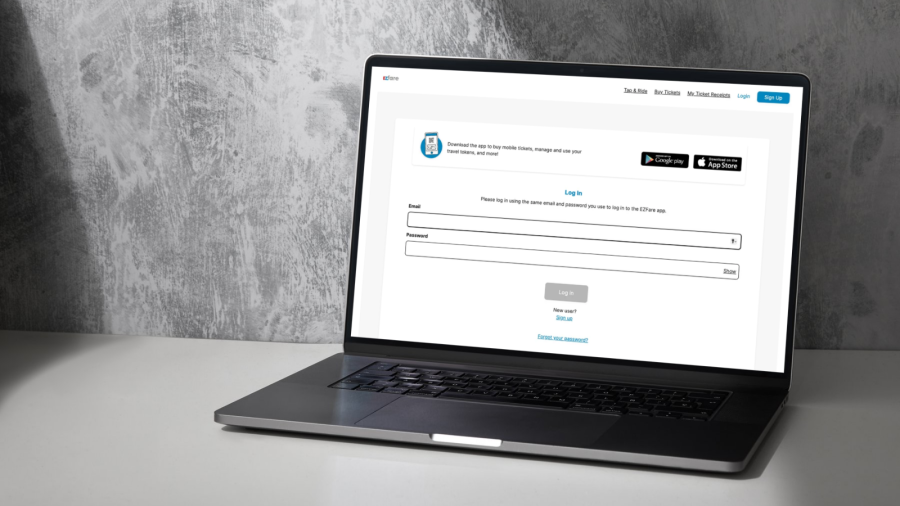
You can obtain reloadable MyKey+ cards at the Care Center Desk at the Julia M. Carson Transit Center. Once you have a MyKey+ card, please register it to a MyKey+ account. If your card is registered to you, Customer Service can help you freeze it in the event the card is lost or stolen. You can add value to your card using the MyKey+ web portal, MyKey+ app, retail network or through the Customer Care Center at 317-635-3344. Finally, tap your MyKey+ card on the validator, and the cost of your ride will be deducted from your account.

Fare capping gives you an alternative to a daily and weekly bus pass. It removes the barrier of the upfront cost of passes by providing a “pay as you go” fare structure with a “cap” on the amount you pay. Fare capping is a feature available only with MyKey+.
Once the daily or weekly fare cap is reached, no additional fares will be charged until the start of a new day or transit week. The fare cap is the maximum amount a MyKey+ customer will pay during that period using the MyKey+ card or QR code within the MyKey+ app.
How fare capping works: The MyKey+ system tracks trips and automatically stops charging fares once the cap is reached. Riders should continue using their MyKey+ card or QR code as usual, but no additional fares will be charged until the fare cap period ends.